Inventory Pro Android App
Sell at the counter, track stock, manage purchases, and view reports — all offline. Syncs with your web ERP when internet is available.
- Full POS sales without internet
- Add products & receive stock offline
- Dashboard with real-time sales KPIs
- Customer & supplier management
- Sales, purchase & inventory reports
- Auto-sync to web ERP when online


Web + Mobile — One System
Your data lives in both places and stays in sync
Work Offline
Sell at the counter, add products, receive stock — everything works without internet using Realm local storage.
Auto Sync
When internet comes back, the app syncs all transactions to the web ERP automatically — no manual export needed.
See Everything Online
All sales from mobile appear in the web ERP reports, accounting, and dashboards — full visibility across devices.
App Screenshots
Every screen of the Android app — real device screenshots

Login
Dashboard
POS / Sale

Products

Sales

Purchase

Inventory

Customers
Reports

Settings
What You Can Do on Mobile
POS Sales Offline
Add items to cart, select customer, apply discount, and complete sale — all without internet.
Product Management
Browse product catalog, check stock levels, and add new products from your phone.
Purchase Orders
Create purchase orders, receive stock (GRN), and track supplier balances offline.
Dashboard & KPIs
See today's sales, total revenue, and stock summary at a glance on the dashboard.
Sales Reports
View sales history by date range, export summaries, and track your best-selling products.
Customers & Suppliers
Access customer profiles, outstanding balances, and supplier details from your phone.
Inventory Reports
Check stock levels, low stock alerts, and inventory valuation reports on mobile.
Auto Sync
All offline data syncs automatically to the web ERP when internet is available.
App Settings
Configure currency, language, and sync preferences directly from the mobile app.
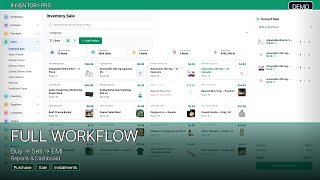
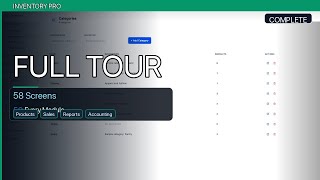
Watch the Mobile App in Action
Real Android device demo videos
Get the Android App
Contact us on WhatsApp to get the APK and full setup guide for your Android device.